


01
Bronze
Starts atEGP1,000.00
1%stage reward
EGP10.00 wallet reward
💎 PUBG Mobile UC Top Up – Fast UC Recharge Buy PUBG Mobile UC Top Up from Royal Area and recharge your supported PUBG Mobile account using your Player ID. Choose your preferred UC package, submit the required player information, complete your payment, and your order will be proc…
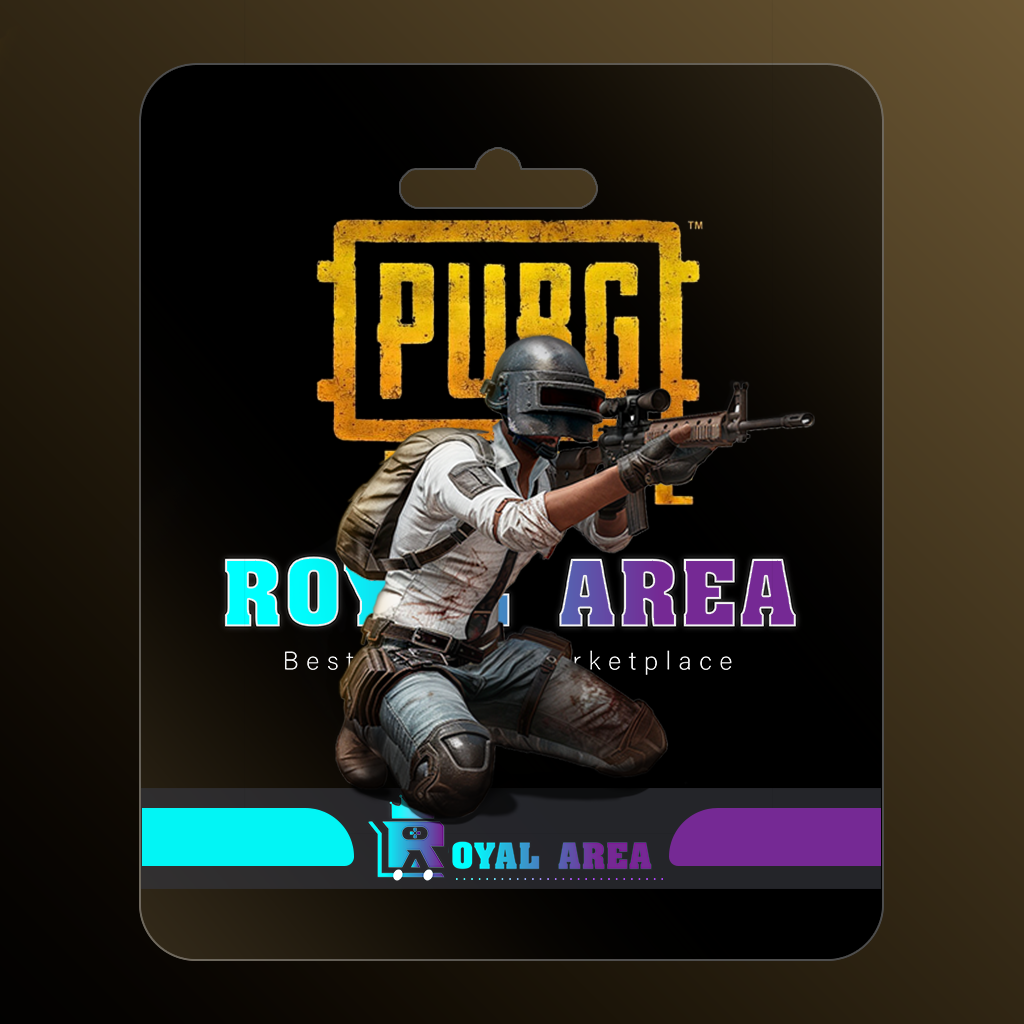
Buy PUBG Mobile UC Top Up from Royal Area and recharge your supported PUBG Mobile account using your Player ID.
Choose your preferred UC package, submit the required player information, complete your payment, and your order will be processed digitally after successful fulfillment.
For more PUBG Mobile options, visit our main PUBG Mobile Top Up category.
The recharge is processed using the Player ID you submit. Incorrect information can affect delivery, so always verify your Player ID before completing the order.
Available packages may change according to supplier and game availability. Choose your preferred PUBG Mobile UC Top Up package and follow the product instructions shown before checkout.
Showing the single result
Buy PUBG Mobile UC Top Up from Royal Area and recharge your supported PUBG Mobile account using your Player ID.
Choose your preferred UC package, submit the required player information, complete your payment, and your order will be processed digitally after successful fulfillment.
For more PUBG Mobile options, visit our main PUBG Mobile Top Up category.
The recharge is processed using the Player ID you submit. Incorrect information can affect delivery, so always verify your Player ID before completing the order.
Available packages may change according to supplier and game availability. Choose your preferred PUBG Mobile UC Top Up package and follow the product instructions shown before checkout.